Evolute

Prompt to editable motion

Shape every frame.

Generate motion graphics, then tune every layer, keyframe, and effect.

Live composition1920 × 1080
EV—001

DESIGN IN

MOTION

Every layer stays editable.
Velocity054
Stagger068
X 824   Y 416
Control surfaceMotion system
Node flowMotion
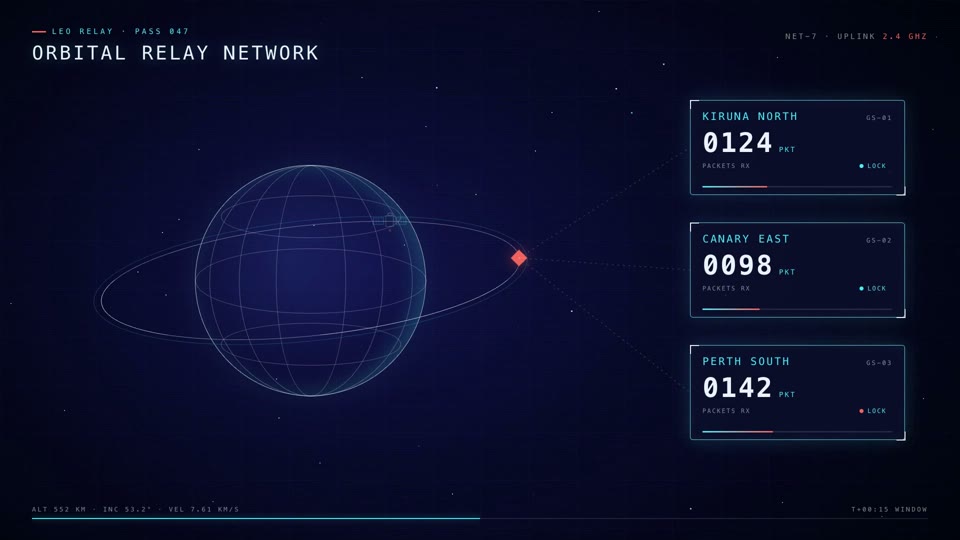
Orbital relay network motion graphic
Orbital Relay
Kinetic typography motion graphic
Kinetic Type
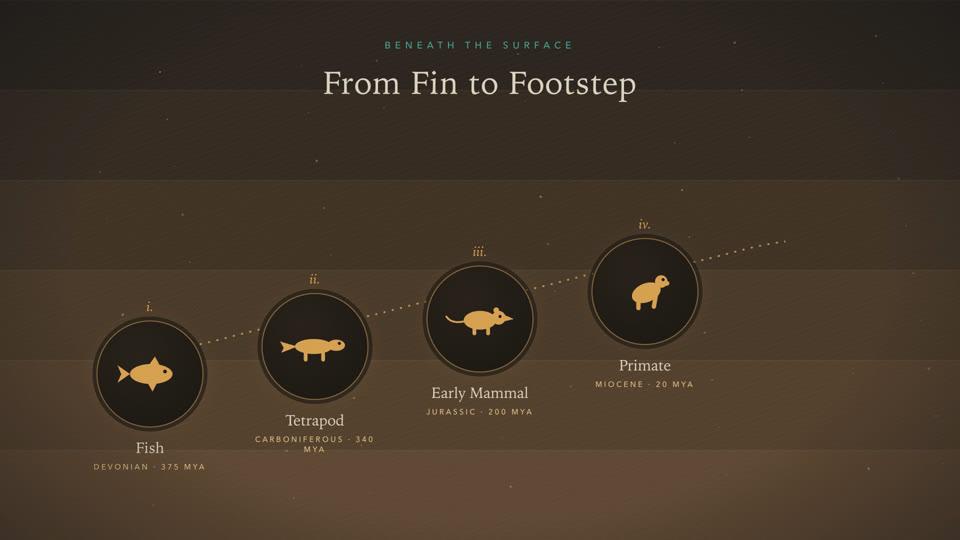
Evolution timeline motion graphic
Story Timeline
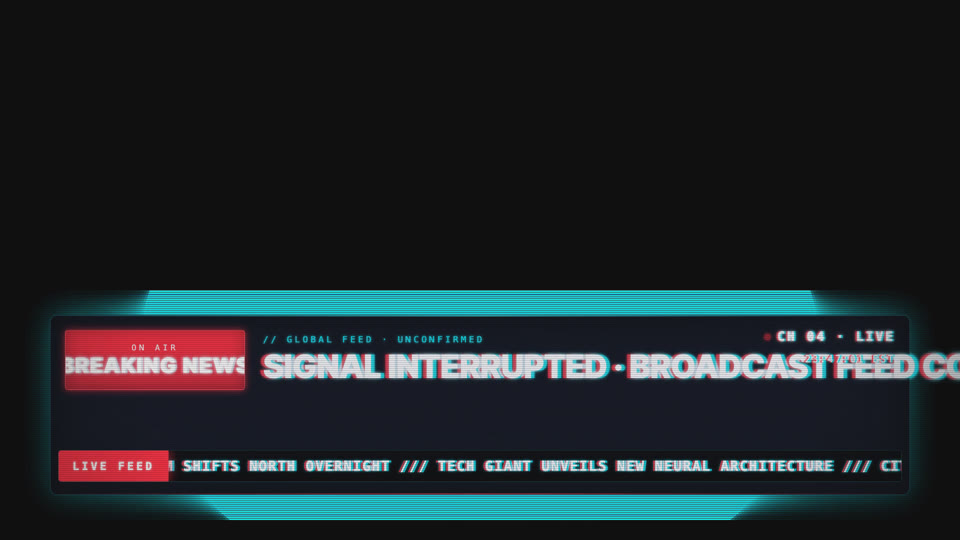
CRT breaking news ticker motion graphic
Broadcast CRT
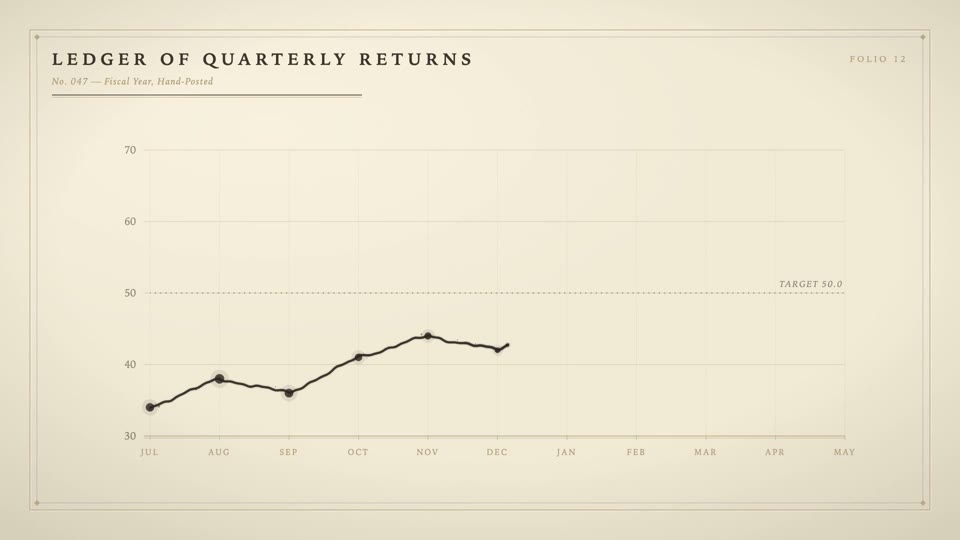
Ink-drawn financial chart motion graphic
Ink Chart
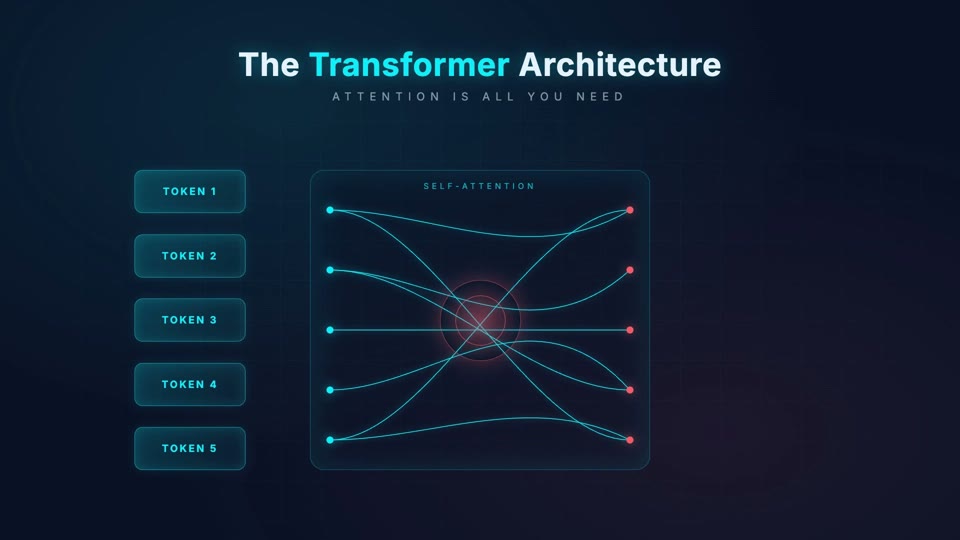
Transformer architecture explainer
Tech Explainer
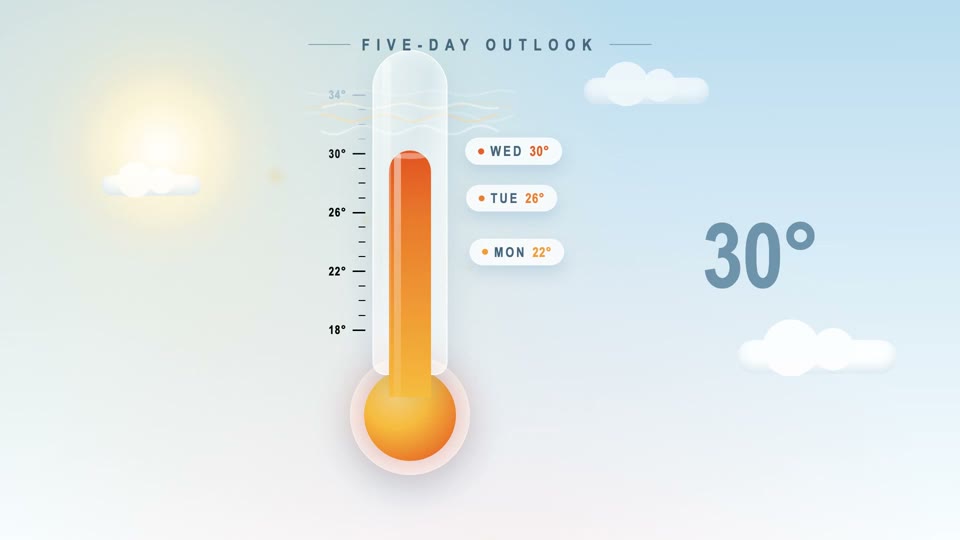
Weather thermometer motion graphic
Weather Story
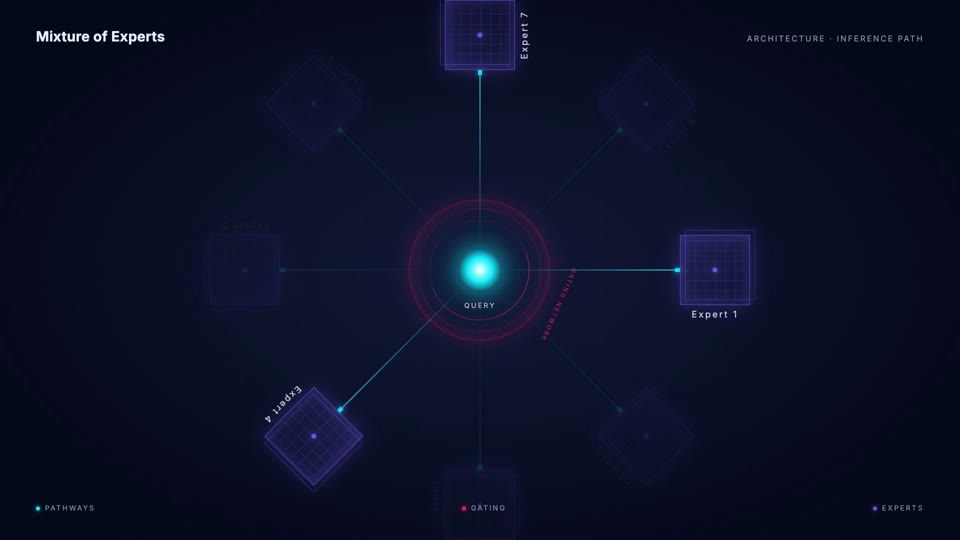
Mixture of experts network animation
Network Viz
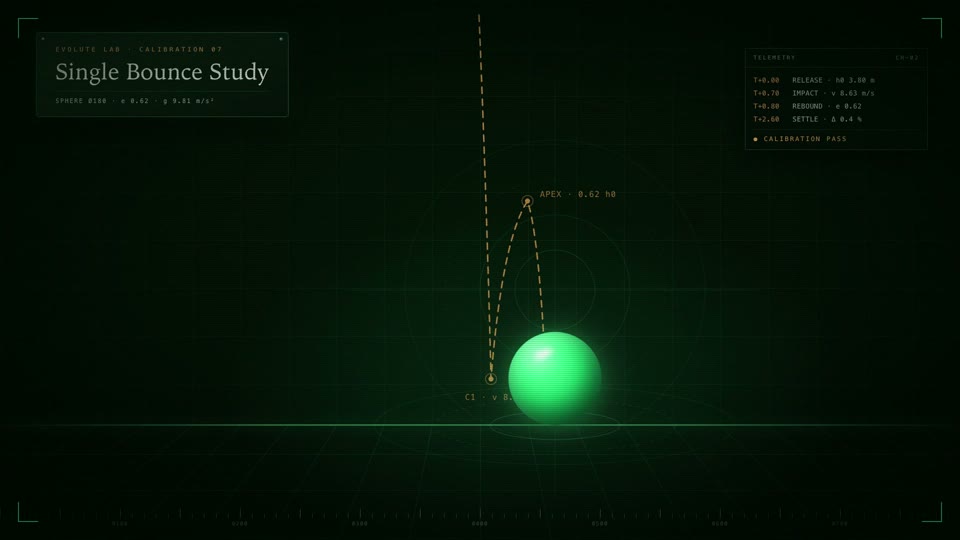
Glossy sphere physics study
Physics Study
Agent pipeline diagram animation
Agent Diagram

Workflow

Prompt. Generate. Edit.

Start creating
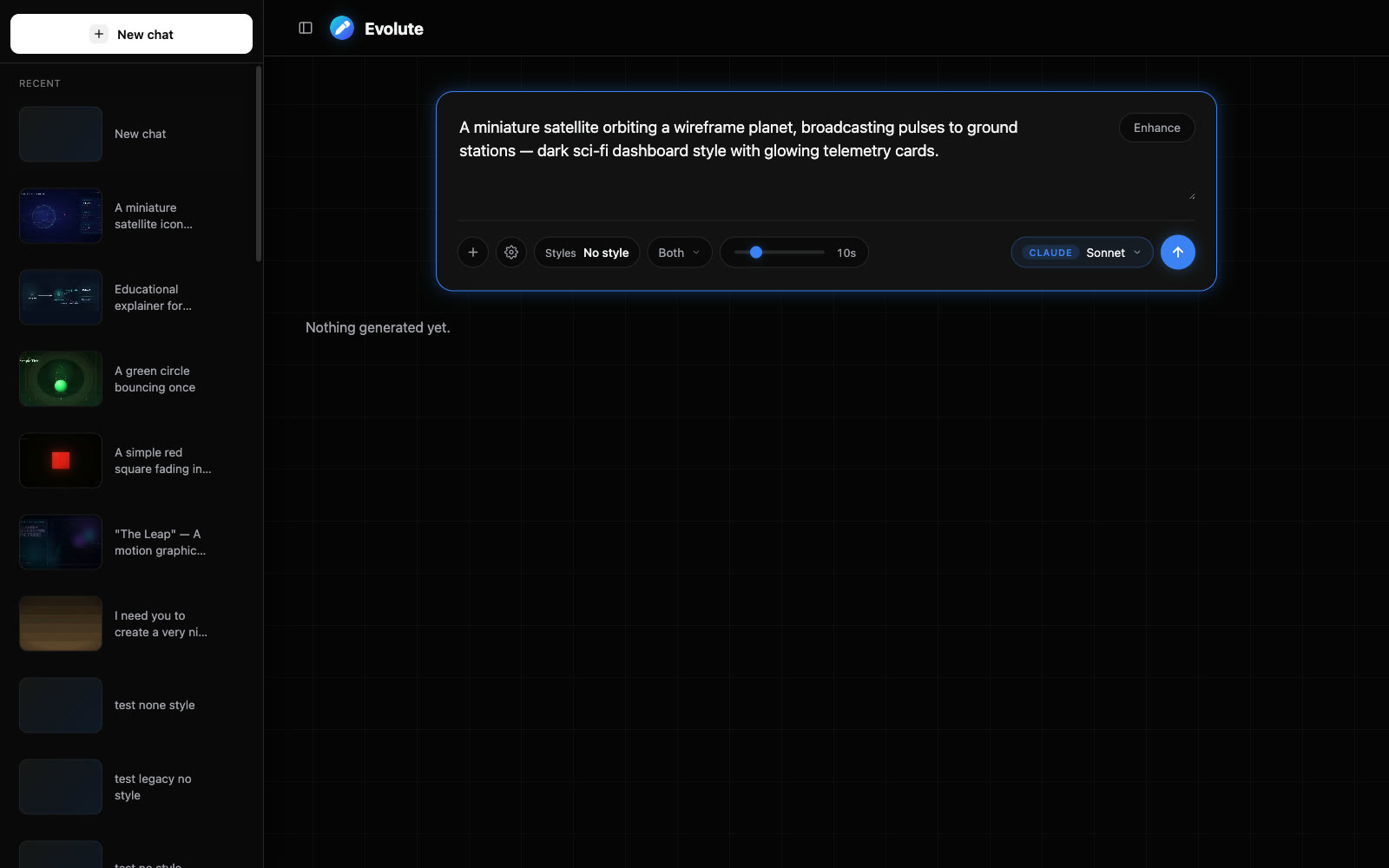
Evolute prompt panel with a motion graphic brief
01

Prompt

Describe the motion graphic.

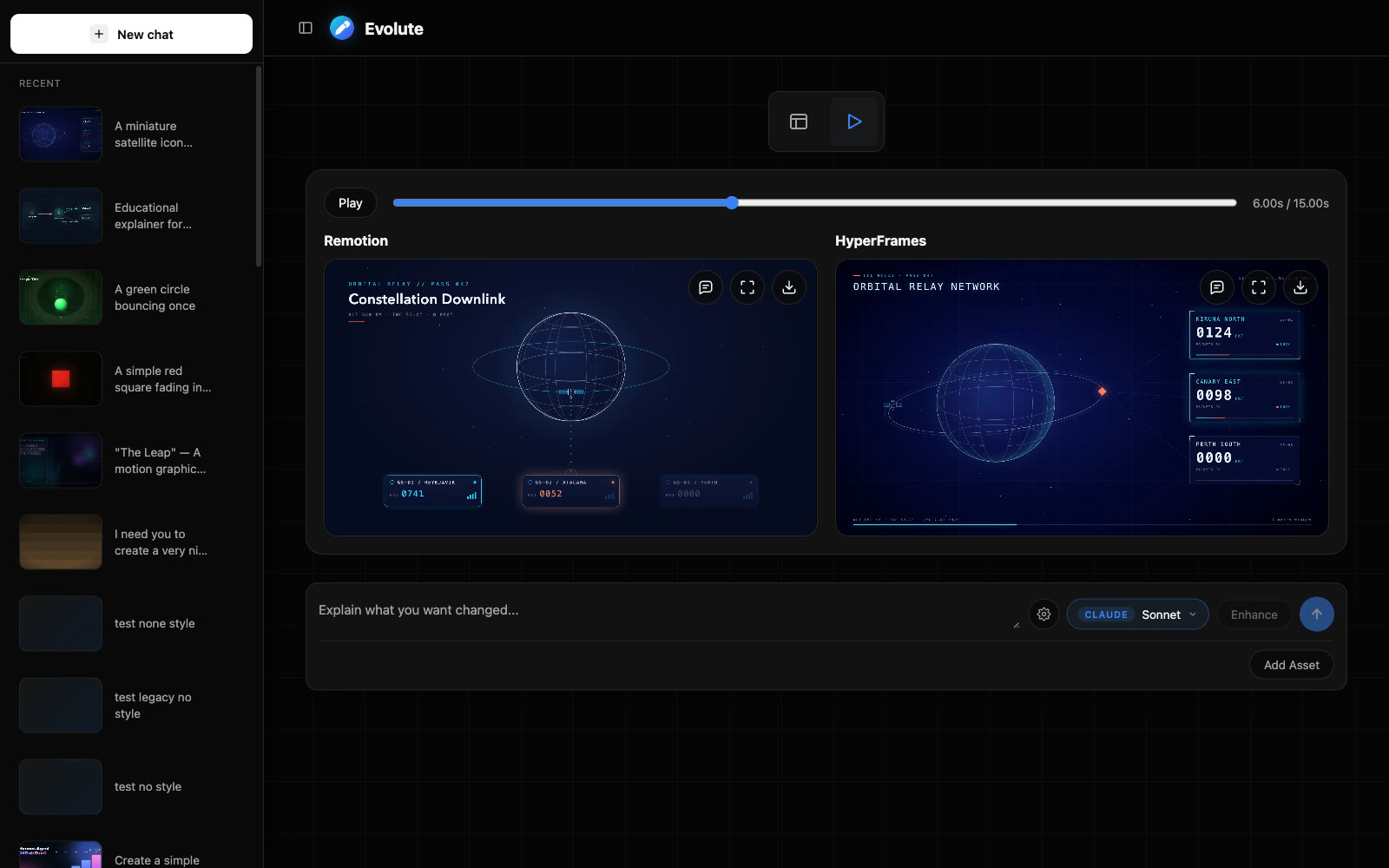
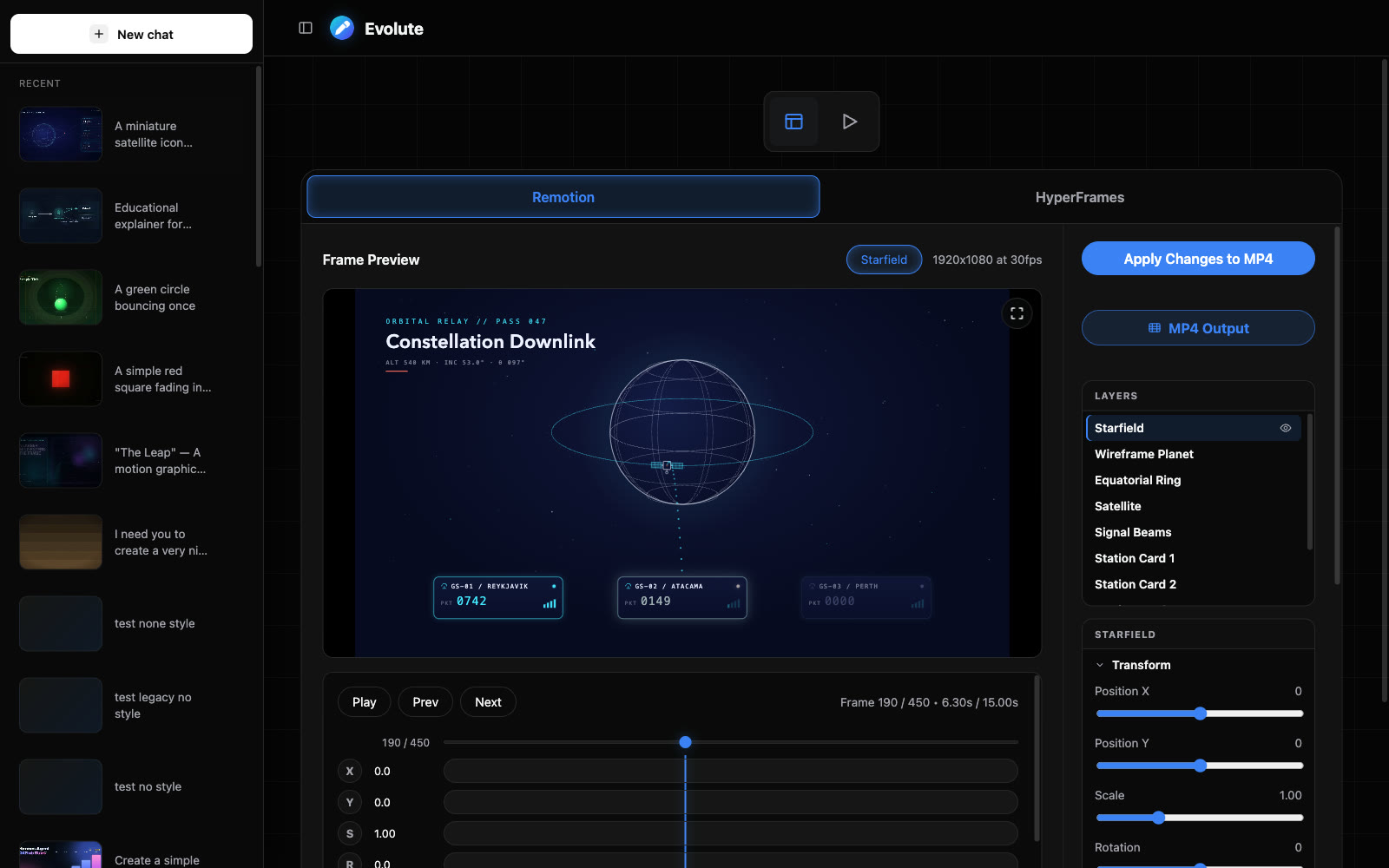
Remotion and HyperFrames previews side by side in the Evolute workspace
02

Generate

Two engines build it side by side.

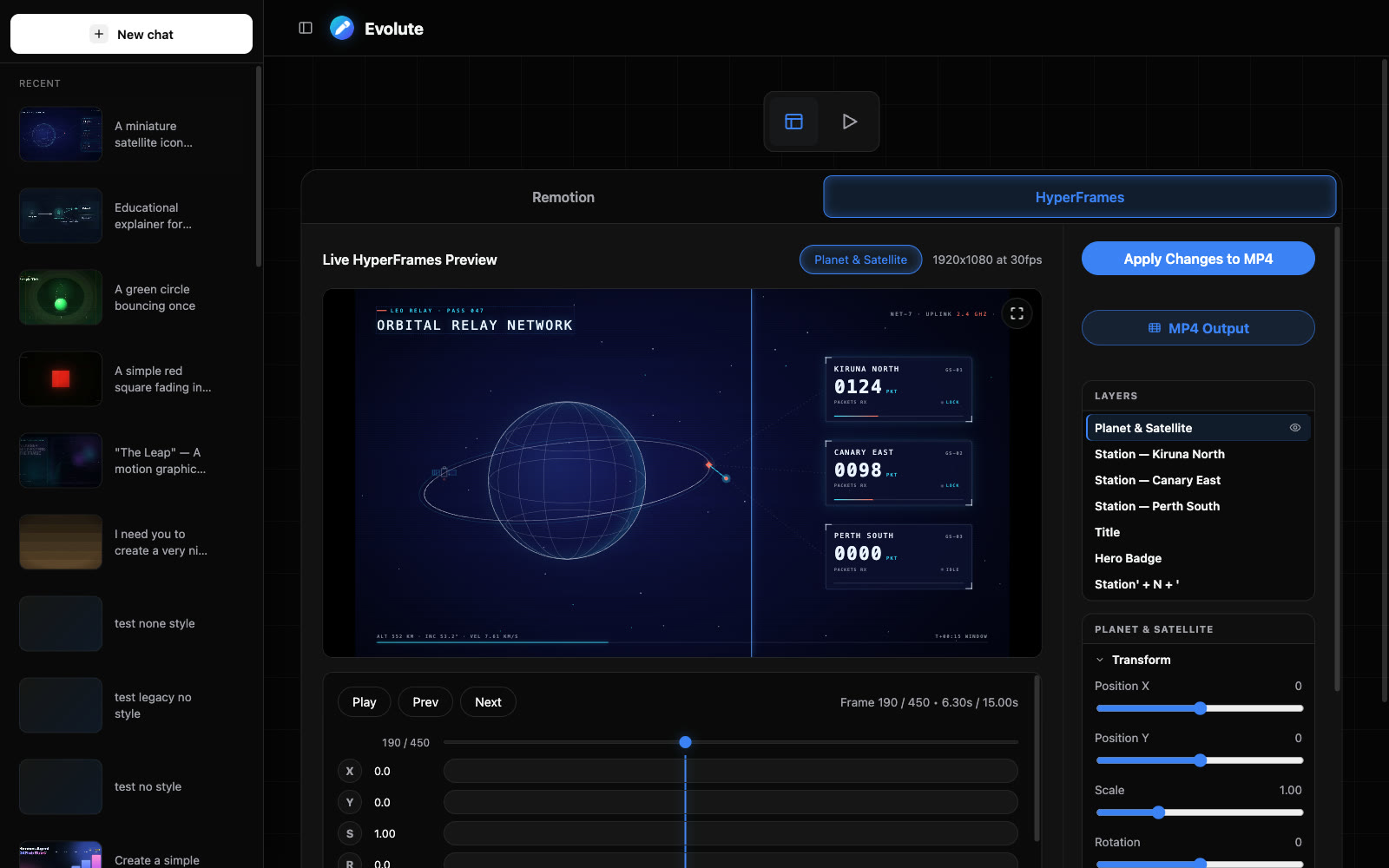
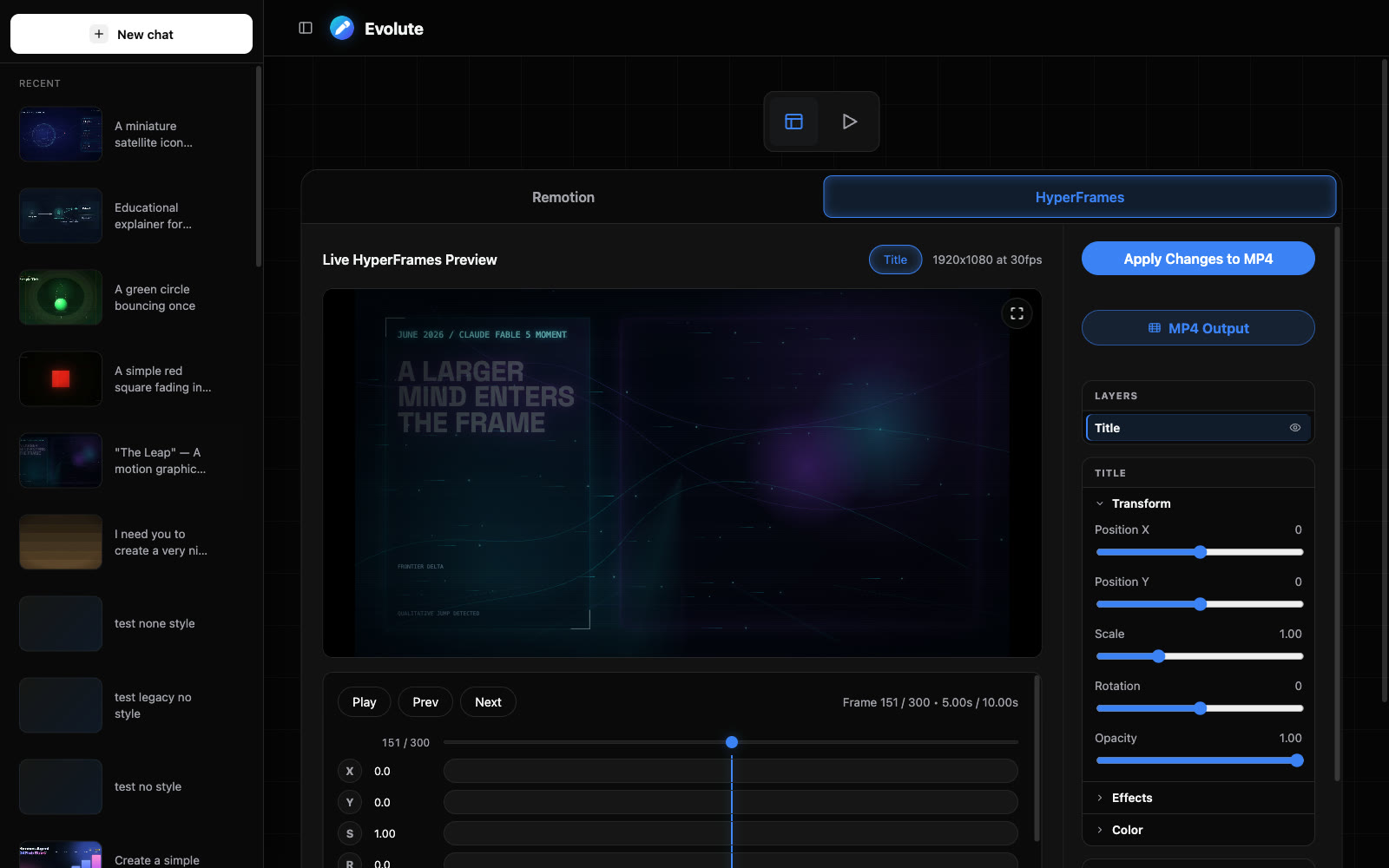
HyperFrames editor with layers, transforms, and timeline
03

Edit & export

Tune every layer, render the MP4.

The editor

The render is the starting point.

The Remotion editor workspace with layer list, transform controls, and timeline
A kinetic typography composition open in the HyperFrames editor
Layer timeline
Transforms & color
Live preview
MP4 export

Bring your own AI

Runs on the subscriptions you already have.

Claude logo

Claude

Anthropic

Use your Claude subscription through the Claude Agent SDK, or an Anthropic API key.

OpenAI logo

Codex

OpenAI

Use your ChatGPT subscription through the Codex CLI, or an OpenAI API key.

Local runner

Your machine

Generate on your own hardware with Claude Code or Codex. Private, loopback only.

Pricing

One plan. Everything in it.

FAQ

Good questions.

Do I need a separate AI subscription to use Evolute?

No. Evolute runs on the AI plans you already have. Connect your Claude subscription through the Claude Agent SDK, or your ChatGPT subscription through the Codex CLI. Plain Anthropic or OpenAI API keys work too.

What does Evolute actually generate?

Real, editable compositions — not opaque video files. Each prompt produces a Remotion (React) and a HyperFrames (HTML motion) project that open in the workspace editor, where you can adjust layers, timing, colors, and text before rendering the MP4.

What is the difference between Remotion and HyperFrames?

They are two render engines. Remotion builds compositions in React; HyperFrames builds them in animated HTML. Evolute can generate with both at once so you can compare results side by side and keep the one you like.

Can I edit a video after it is generated?

Yes. Every generation opens in the editor with a layer timeline, transform and color controls, and a live preview. You can also describe a change in plain language and Evolute applies it to the existing composition.

Can I keep everything on my own machine?

Yes. Local mode connects the workspace to a runner on your computer. Generation runs through your local Claude Code or Codex setup, and the output files stay on your disk.

Evolute

Open the workspace when the brief is ready.